TL;DR the 30-second version
I wired a feedback loop around an aging Node.js backend: tail the logs, and when an error shows up, hand the stack trace to Claude Code with permission to fix, build, and restart — no approval prompts. Over a 45-minute lunch it cleared 12 bugs. (And yes — I ran it in a sandbox on purpose.)
The setup: a simple feedback loop
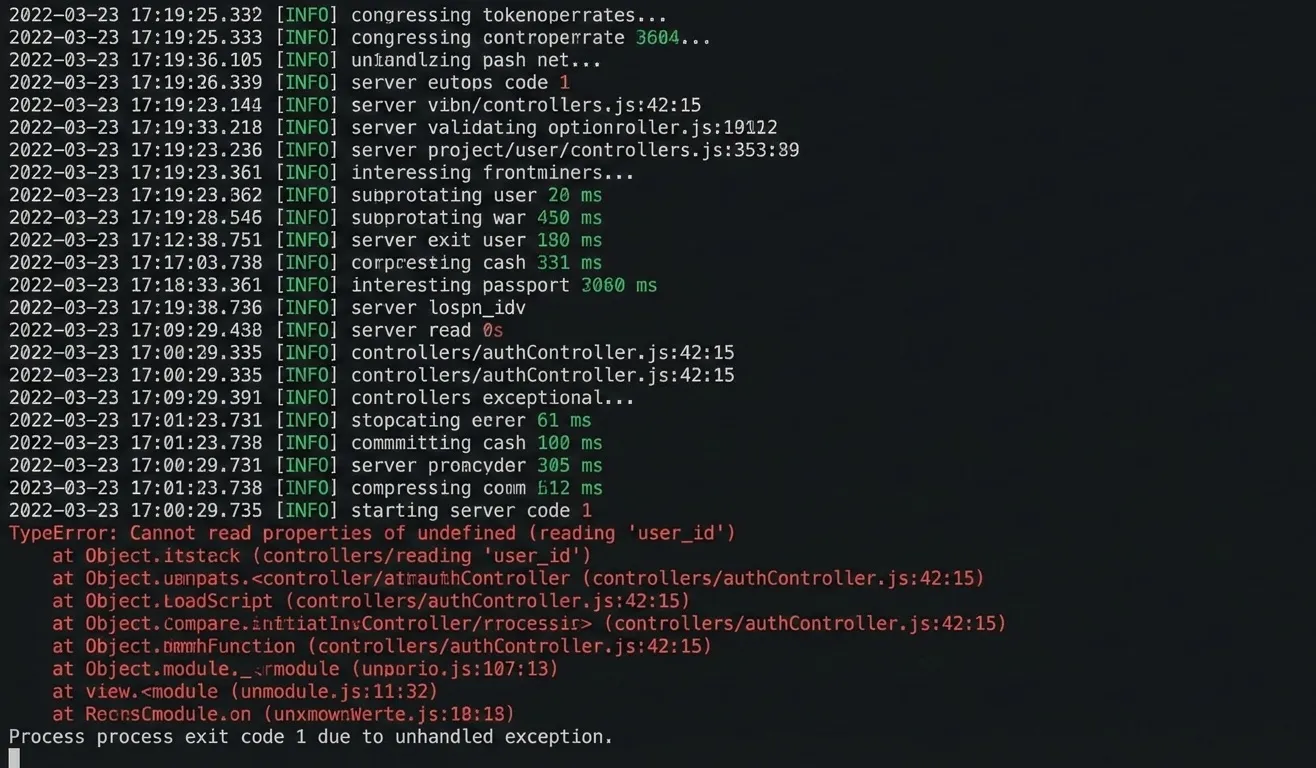
I had an aging Node.js backend and a stack of small, annoying bugs. Instead of babysitting the fix-test-restart cycle by hand, I set up a loop: watch the log file for errors, capture the stack trace when something blows up, and send the diagnostic info to Claude Code with instructions to fix it, run the build, and restart the service.
How the “auto-fixer” worked
The whole thing is three moving parts:
- The monitor —
spawnrunningtail -fondebug.log. - The trigger — capture the stack trace whenever a
TypeErroror500 Internal Server Errorshows up. - The brain — feed the trace to the AI with instructions to fix, build, and restart, without asking for approval.
The conceptual wrapper script
const { spawn } = require('child_process');
const logStream = spawn('tail', ['-f', 'debug.log']);

logStream.stdout.on('data', (data) => {
  const logOutput = data.toString();
  if (logOutput.includes('Error') || logOutput.includes('500')) {
    console.log("Bug detected. Calling Claude Code...");

    const fixer = spawn('claude', [
      'code',
      `The following error occurred: ${logOutput}. Fix it, run 'npm run build', and restart PM2.`
    ]);

    fixer.stdout.on('data', (d) => console.log(`Claude: ${d}`));
    fixer.stderr.on('data', (d) => console.error(`Claude Error: ${d}`));
    fixer.on('close', (code) => console.log(`Claude Code exited with code ${code}`));
  }
});

logStream.stderr.on('data', (data) => console.error(`Log stream error: ${data}`));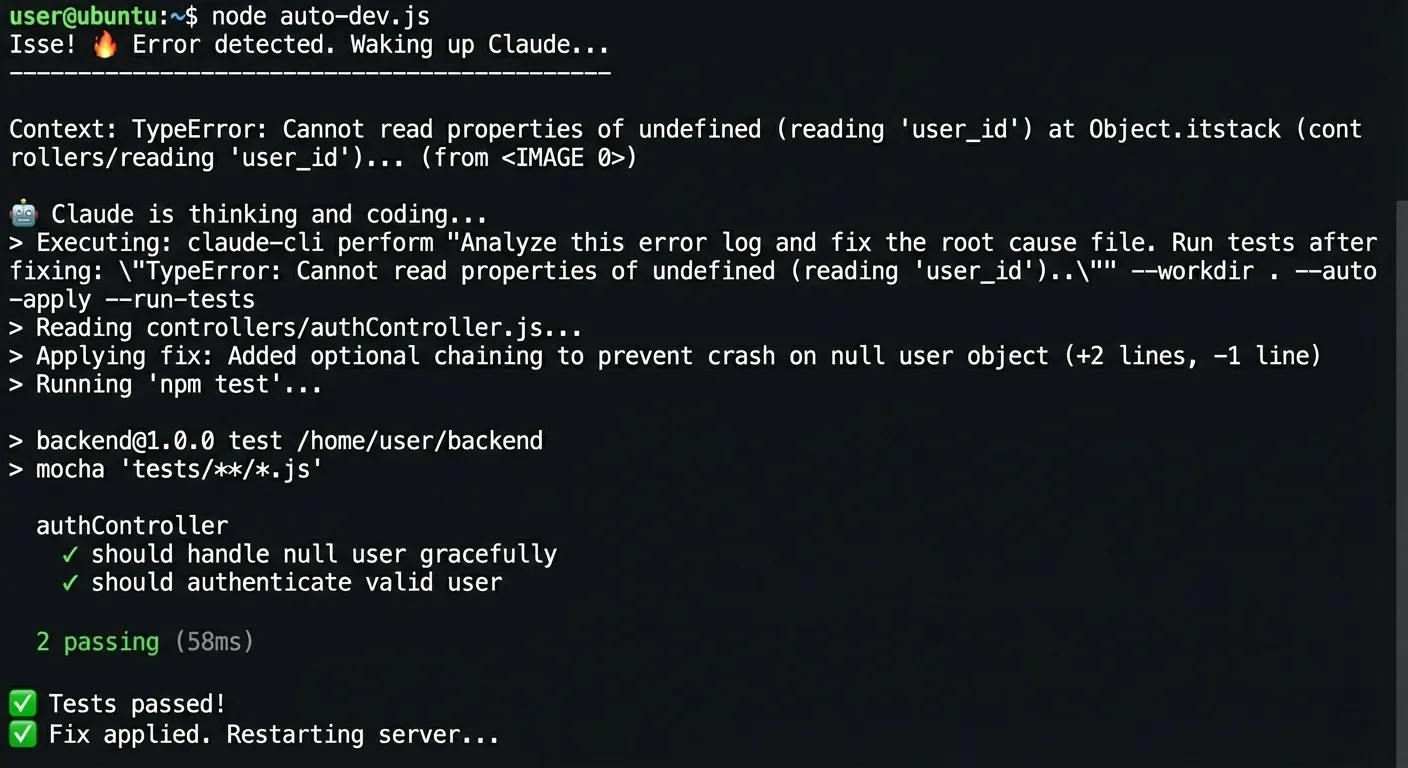
What it actually fixed
In a 45-minute window, the loop cleared a pile of issues that would normally have eaten an afternoon:
![Terminal showing pm2 restart api-server, a PM2 process table with status 'online', and 'App [api-server] restarted successfully. Waiting for next error...'](/_astro/sudo-pm2-restart.g4nyfBiK_Z1vULoI.webp)
The “wait, what?” moment
At one point the server hit a port conflict. Without being told to, the AI ran lsof -i :3000 to
find the blocking process, killed it with kill -9, and restarted the server. None of that was in
my instructions — it reasoned its way there.
The big question: is it safe?
Handing an AI admin privileges in anything resembling a production environment is genuinely risky, and I won’t pretend otherwise. I ran this in a local sandbox precisely because of that. But the exercise made one thing clear: there’s real value in automating the repetitive parts of the development cycle — the monitoring, the fixing, the restarting.
The takeaway
You don’t have to be the bottleneck in the fix-test-restart loop. Give the AI the context it needs from your logs and let it handle routine maintenance. I spent my lunch break poking at the automation; the system spent it quietly getting code ready to ship.